

Kav2D Guides
Last reviewed: 5 October 2026
Written tutorials that use the same names as the Kav2D menus and toolbars. They explain how the tools behave today, including limits such as DXF omitting Image to Laser rasters. Open the editor in another tab if you want to follow along.
Suggested order: Getting Started, then either Trace Image or Image to Laser, then Preparing Files for Laser Cutting. Generator tools (boxes, gears, nesting) sit in Advanced below. Changes to the software are listed on What’s new.
Getting started
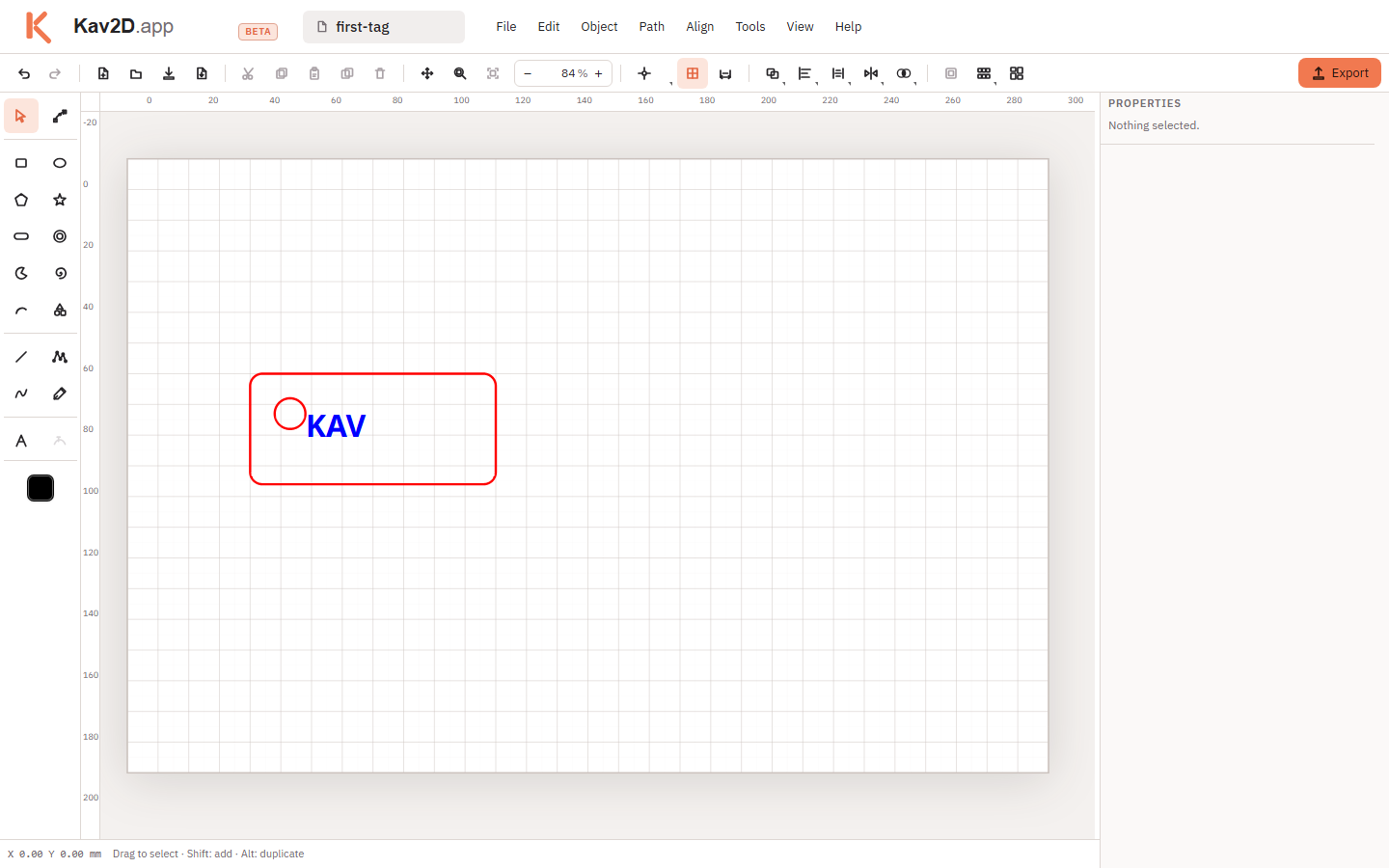
Core editing
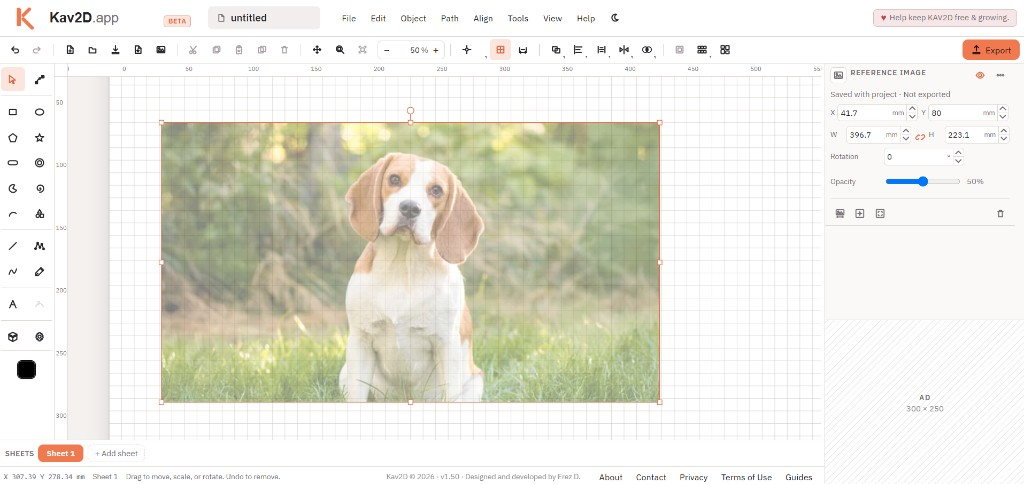
Reference Image
Trace a photo on the board. Scale it to real size, draw over it, export only the paths.
8 min read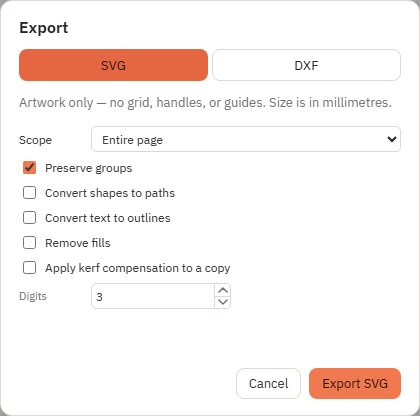
SVG and DXF Import/Export
Import SVG or DXF, keep editing, then export the format your laser workflow needs.
12 min read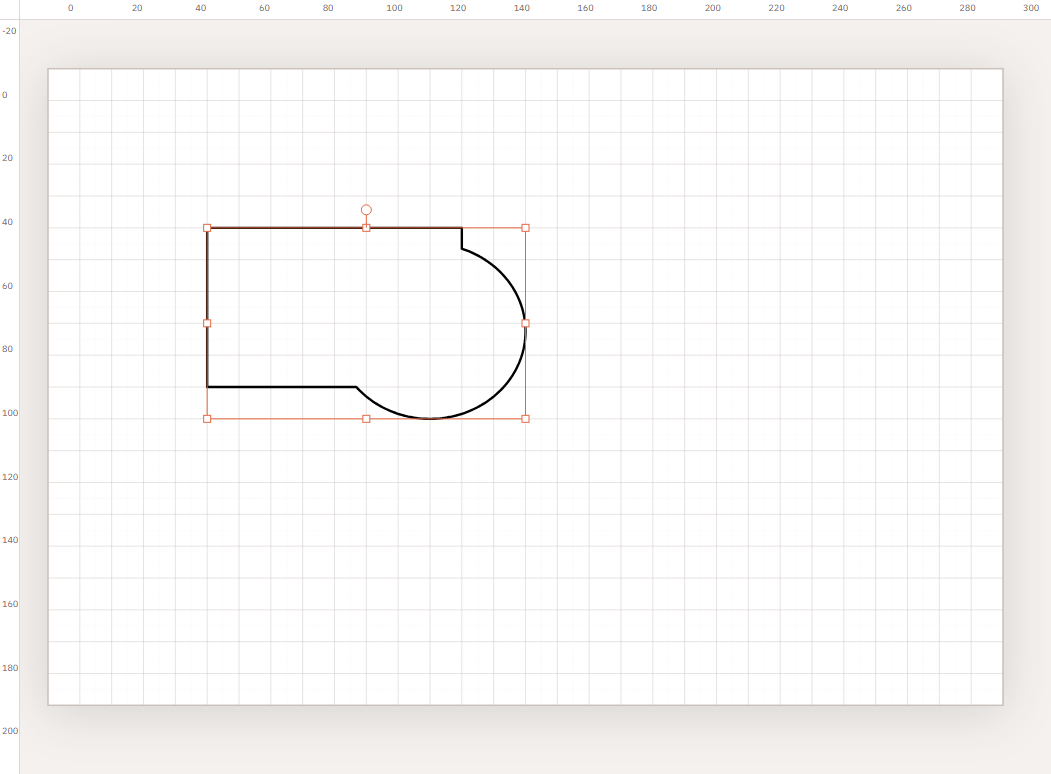
Boolean Operations
Combine closed shapes with Union, Subtract, Intersect, Exclude / XOR and Divide.
10 min read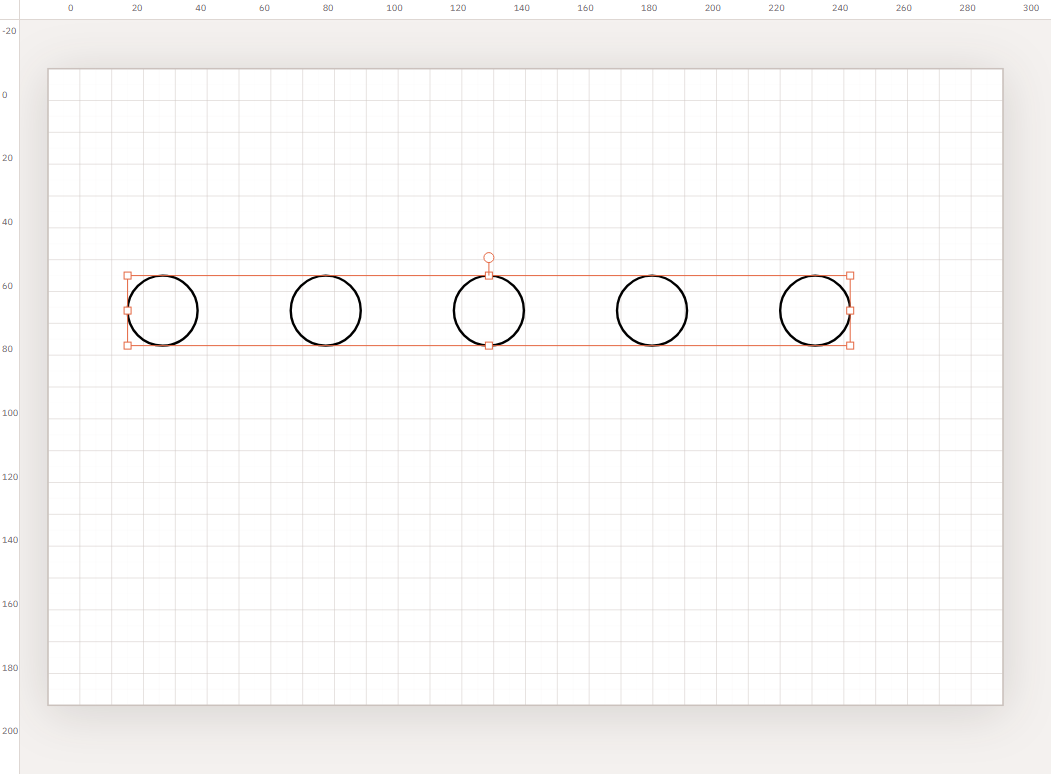
Mirror, Align and Distribute
Flip parts, line them up to the selection, and space objects evenly.
8 min readAdvanced tools
Optimize Layout
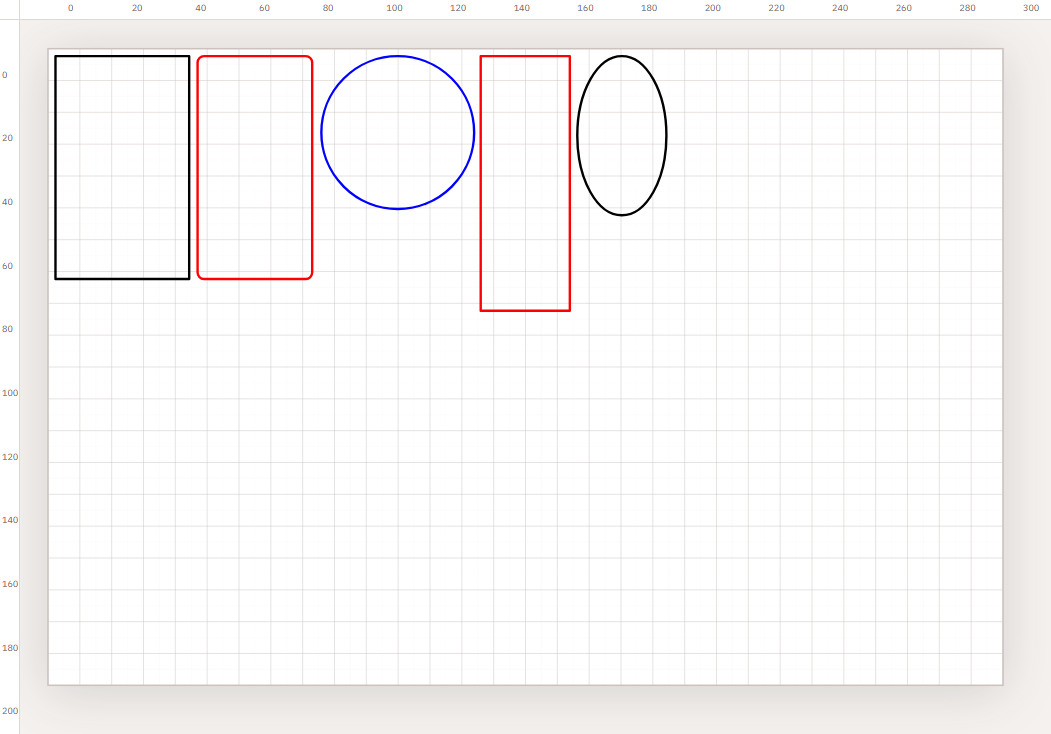
Pack parts on a sheet or leftover offcut. Overflow opens a new sheet; empty sheets can be removed.
10 min read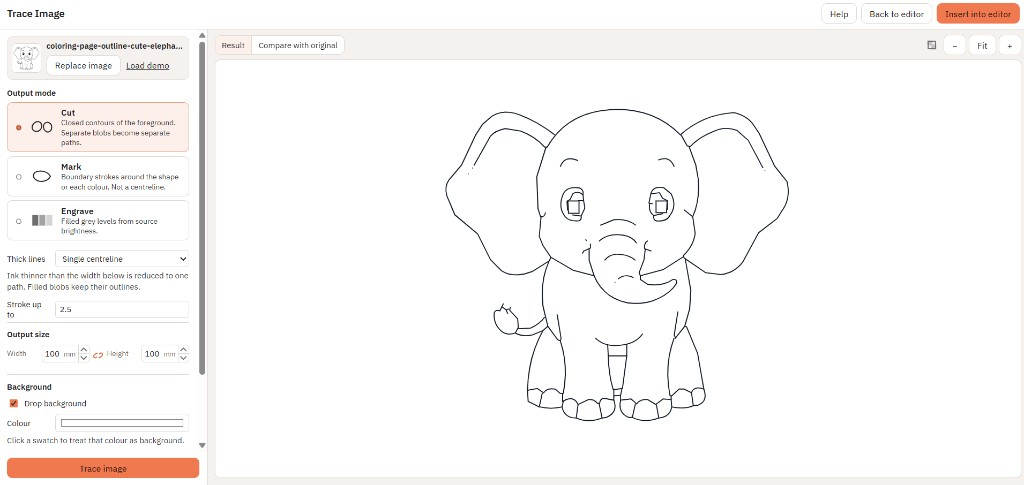
Trace Image
Convert a drawing or photo into cut, mark or engrave vectors. Centreline or outline, then insert on the sheet.
10 min read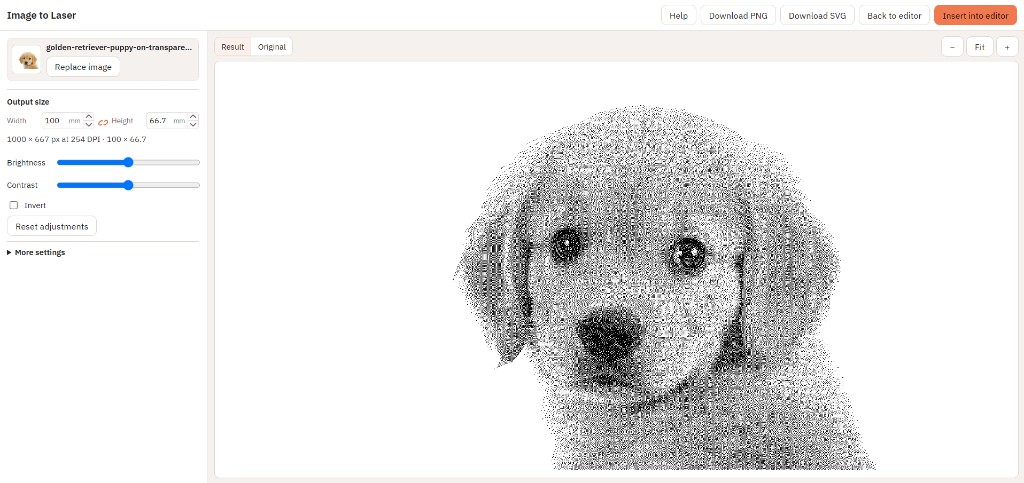
Image to Laser
Dither a photo to black-and-white pixels for raster engraving. Crop with Intersect. Export SVG or PNG — not DXF.
11 min read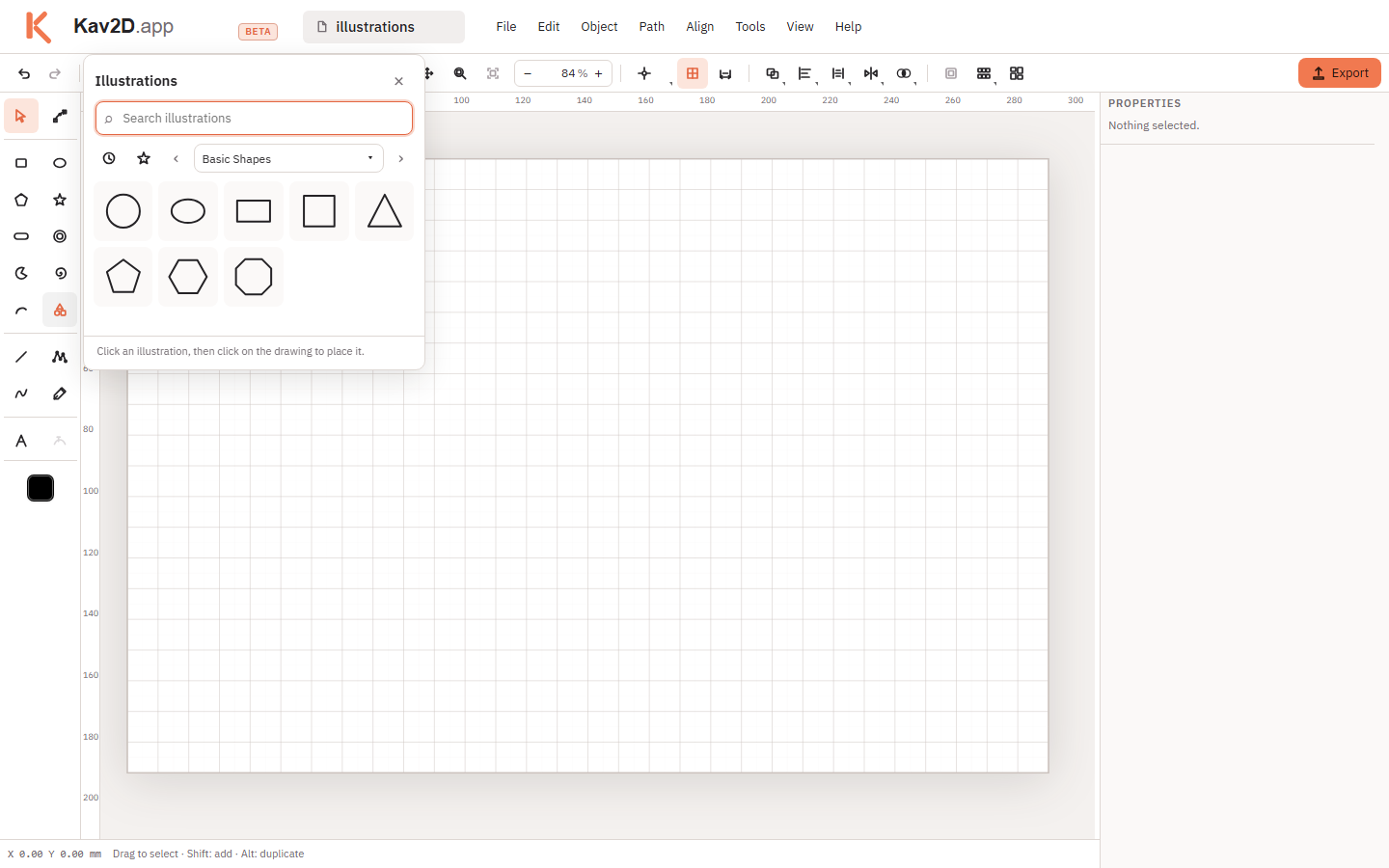
Illustrations
Browse the built-in Illustrations library, insert a drawing, then edit it like any vector object.
10 min read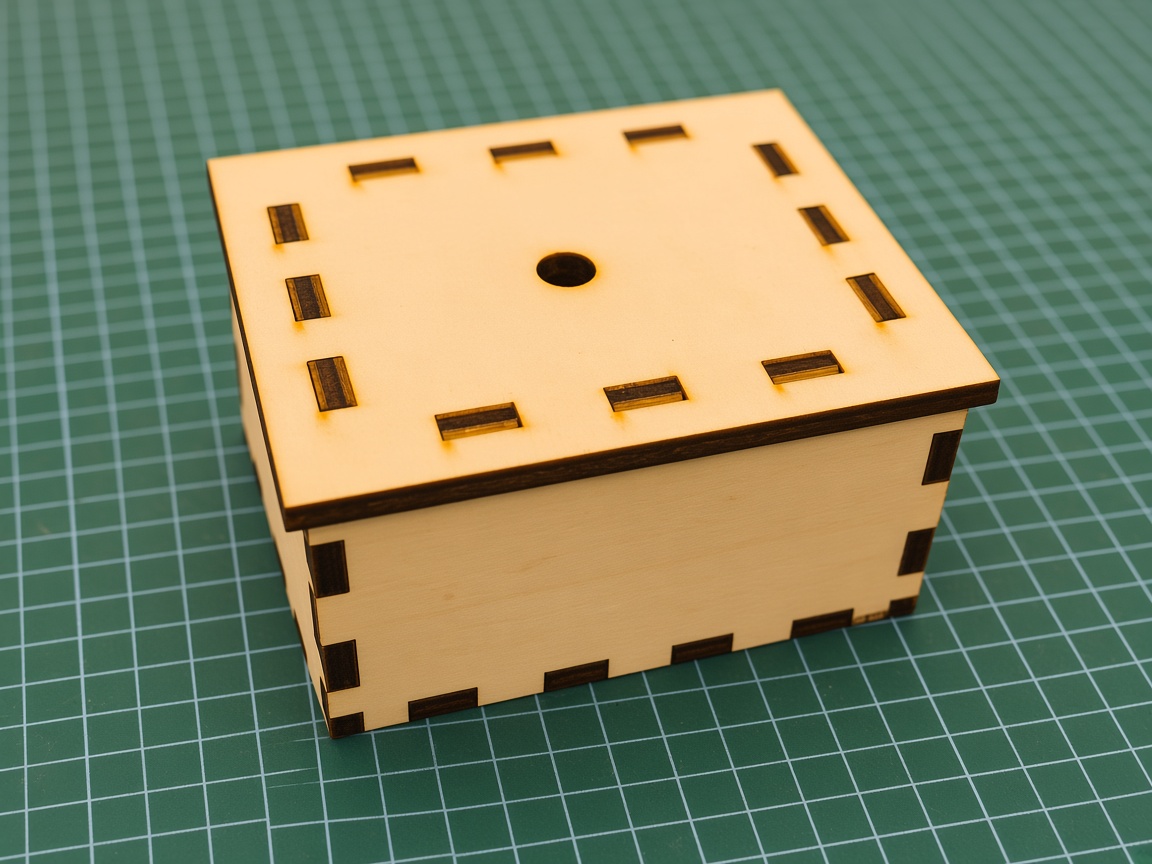
Box Generator
Build a finger-joint box from size, thickness, kerf and fit. Choose an open top, a fixed top, inner-strip lid or a finger-jointed cap lid, then insert cut panels.
12 min read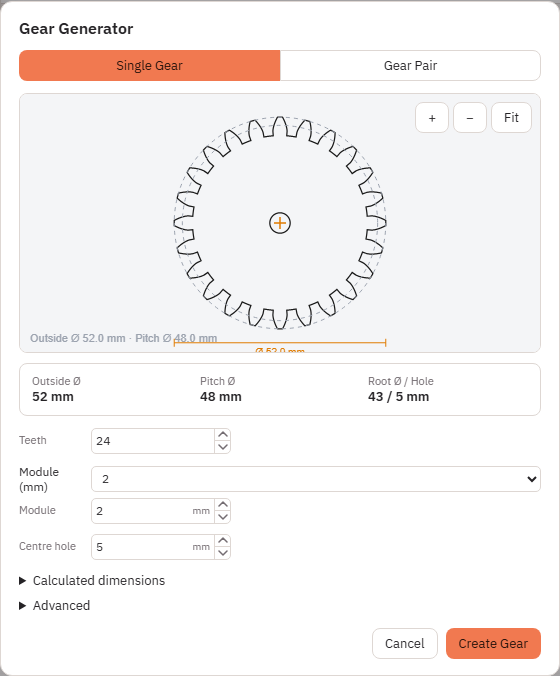
Gear Generator
Create a Single Gear or a Gear Pair, adjust the available parameters, and keep editing the vectors.
12 min readLaser-cutting workflow
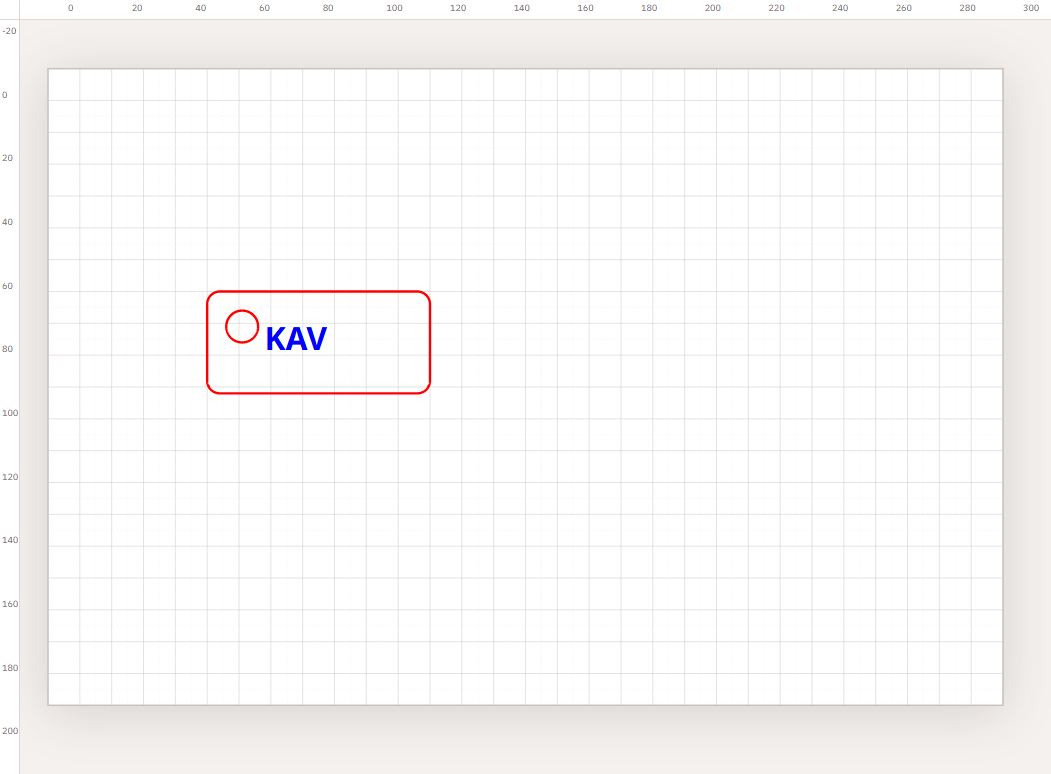
New here? Start with Getting Started, then Tracing with a Reference Image, Trace Image, Image to Laser, Box Generator or Optimize Layout. Finish with Preparing Files for Laser Cutting.