Made for laser cutting
A focused workflow for creating clean vector designs and preparing SVG or DXF files for laser software.

 Help keep KAV2D free & growing.
KAV2D
Guides last reviewed: 5 October 2026
Kav2D is a free browser editor for people who prepare drawings for a laser cutter. You draw vectors, convert photos into paths or dithered engravings, generate boxes and gears, pack parts on the sheet, and export SVG or DXF — without installing desktop CAD.
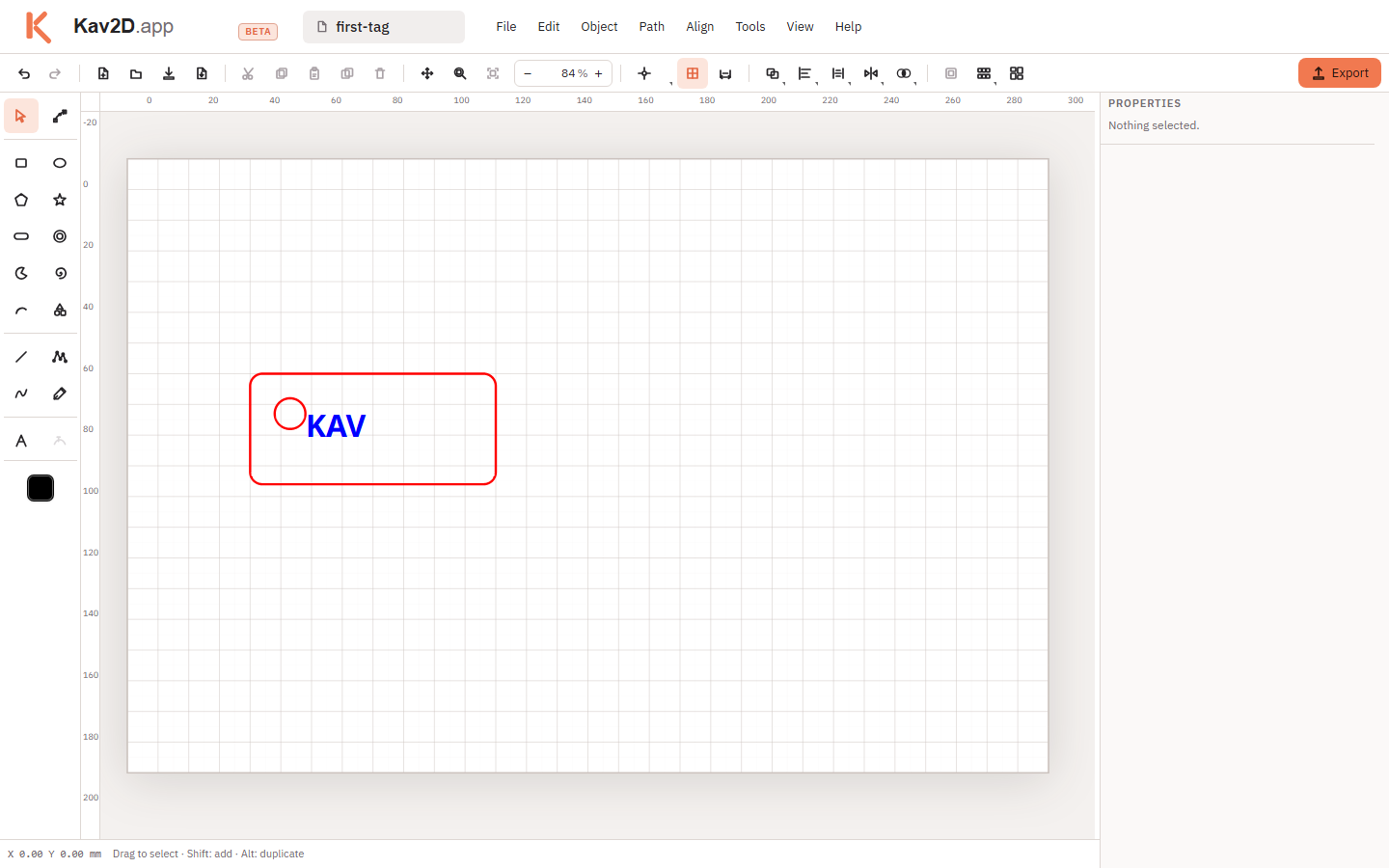
Workshops, educators, students and independent makers use Kav2D when they need a focused 2D sheet, not a mechanical CAD suite. A typical first project is a name tag, a small box, or a photo plaque: set the page to millimetres, draw or generate the geometry, assign stroke colours for later cut and engrave, then export.
Kav2D does not replace LightBurn, RDWorks or the controller on your machine. It prepares files. You still check units, map colours to operations, and run a scrap test. That limit is intentional: the editor stays simple, and the laser-cutting guide explains what to verify after export.
A focused workflow for creating clean vector designs and preparing SVG or DXF files for laser software.
A clear interface designed for makers, educators, students and anyone who does not want the complexity of traditional design software.
Start designing without downloading or installing desktop software. Work autosaves on this device.
Step-by-step tutorials use the same menu names as the editor and are reviewed when the software changes.
KAV2D includes practical tools designed specifically for makers and laser-cutting workflows—from tracing images into vectors and dithered photo engraving to finger-joint boxes, gears and packing parts on the sheet.
Advanced
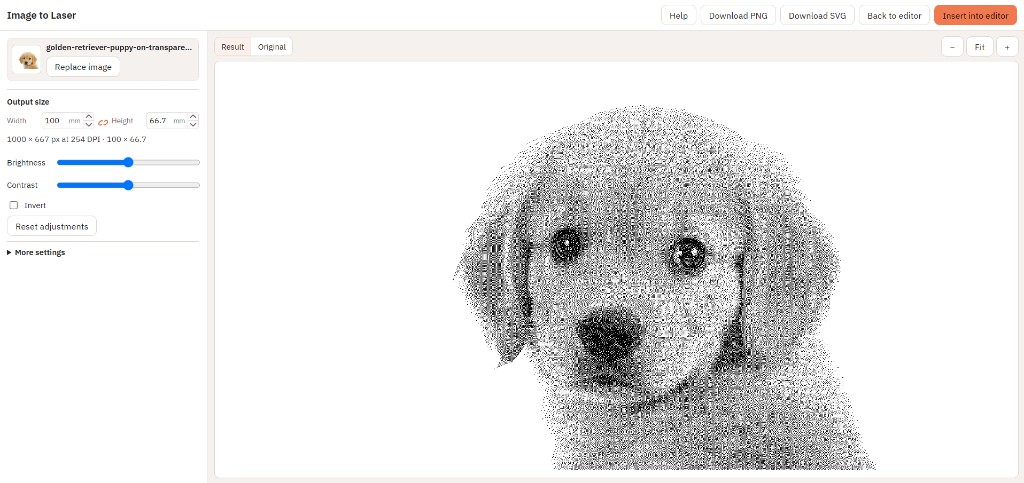
Image to Laser applies Floyd–Steinberg dithering in the browser: greys become black-and-white dots a laser can scan. You set millimetre size and DPI, insert the raster on the sheet, crop it with Intersect, and export SVG or PNG. DXF is for vector cuts only — the photo is omitted there on purpose.
Learn about Image to Laser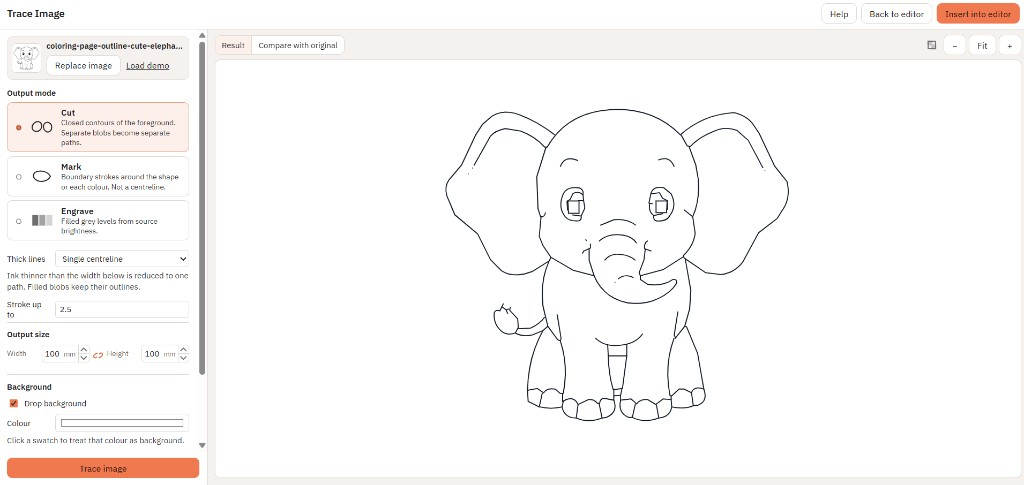
Trace Image turns line art or a photo into cut, mark or engrave paths in the browser. Use a single centreline for ink strokes, or outline both sides for filled shapes, then insert the vectors on the sheet.
Learn about Trace Image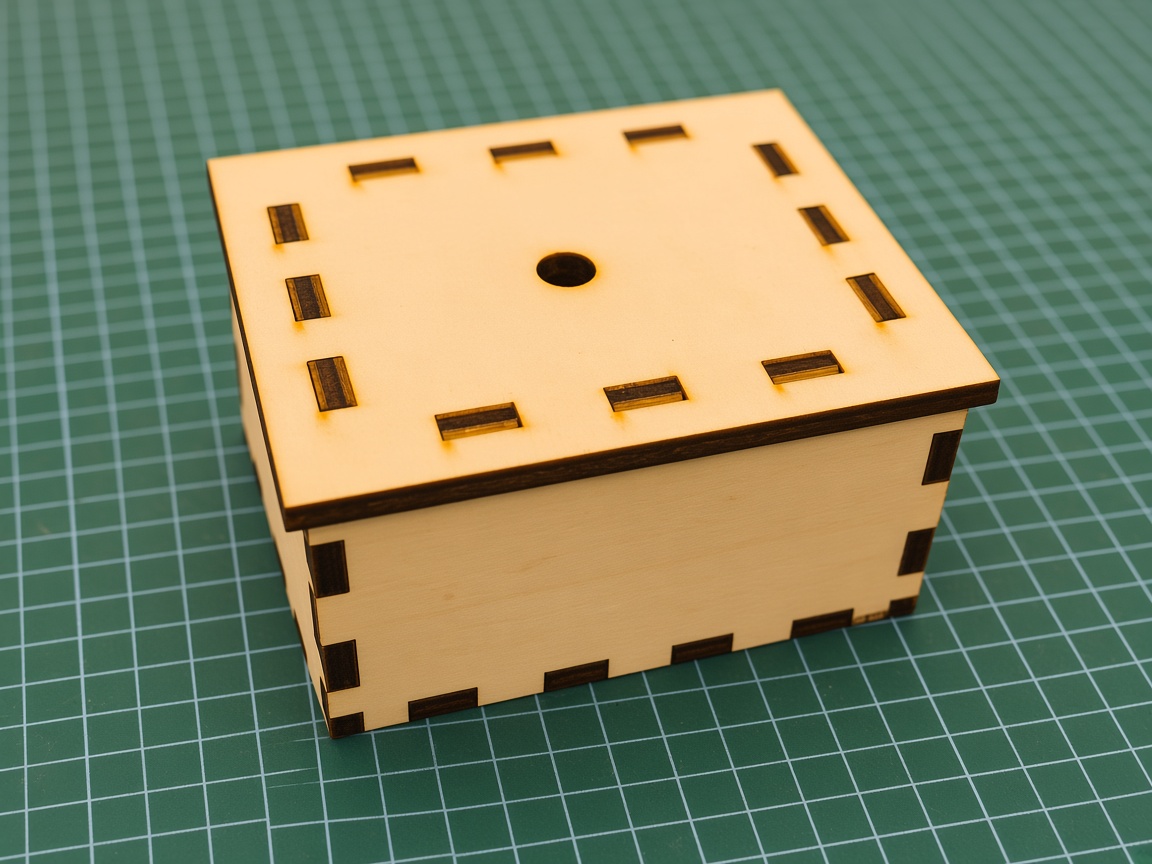
Box Generator builds a finger-joint enclosure from inside or outside size, material thickness, kerf and fit. Preview the assembly, insert the panels, then nest and export for the cutter.
Learn about Box Generator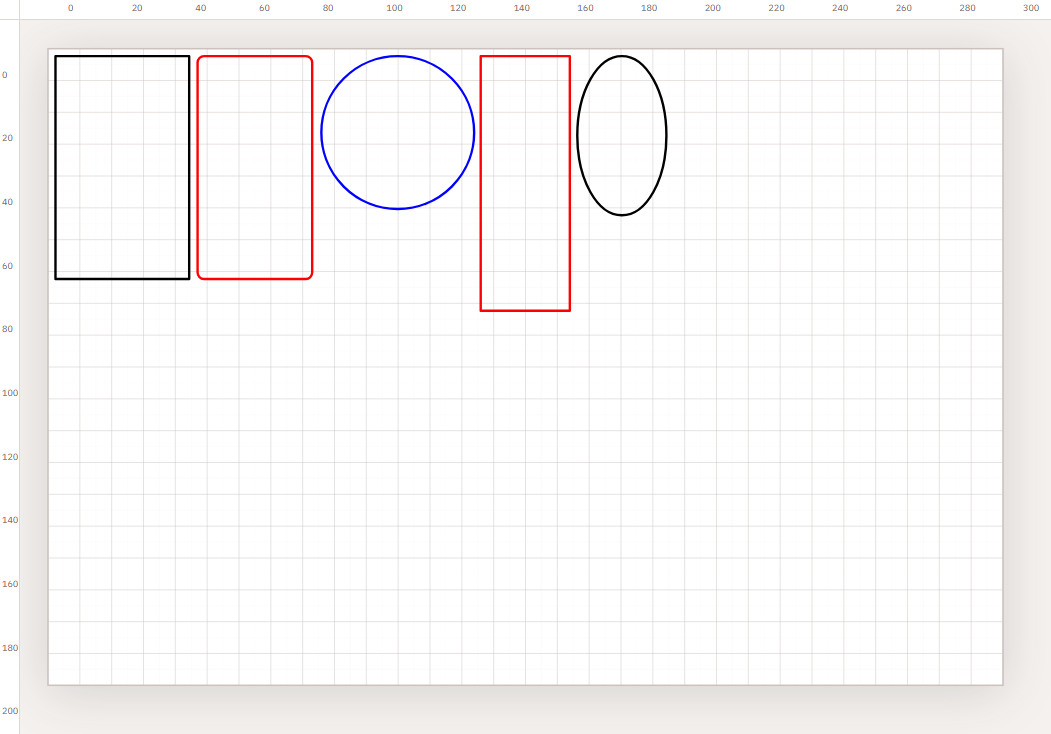
Automatically pack parts on the current sheet, a leftover offcut, or the whole project. Quality defaults to Balanced. Parts that do not fit open a new sheet.
Learn about layout optimization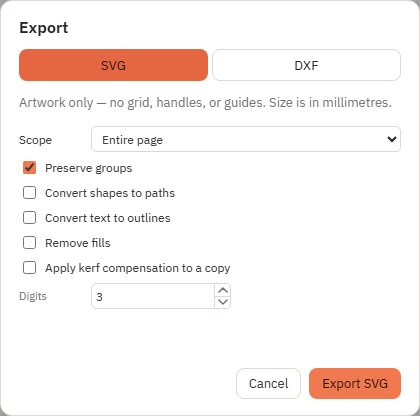
Import existing drawings with Import SVG… or Import DXF…, continue editing them in Kav2D, and export with Export SVG or Export DXF for your laser-cutting workflow.
Learn about SVG and DXF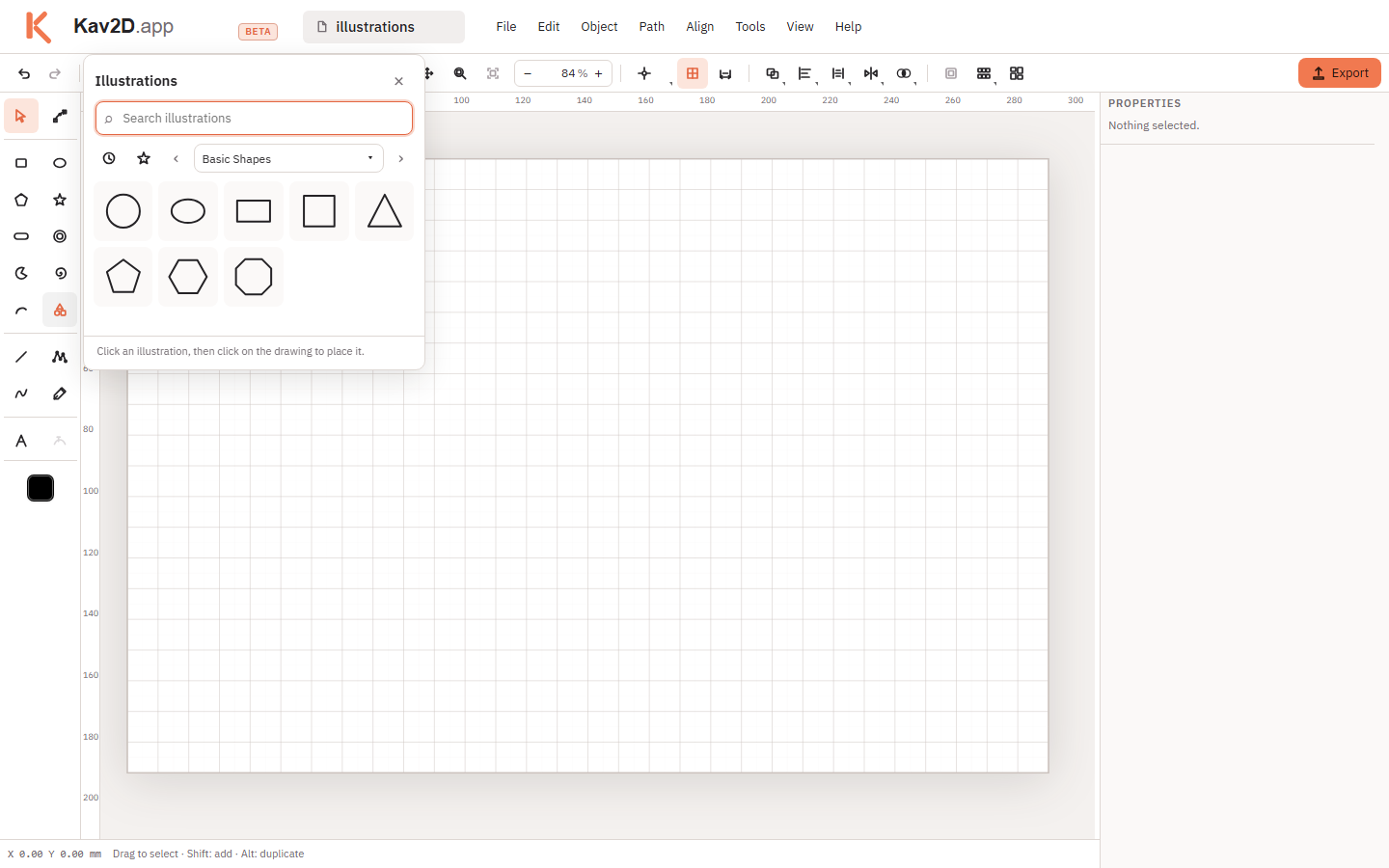
Open Illustrations to add a ready-made drawing, then resize, mirror, combine or recolour it like other vector objects.
Explore the Illustrations library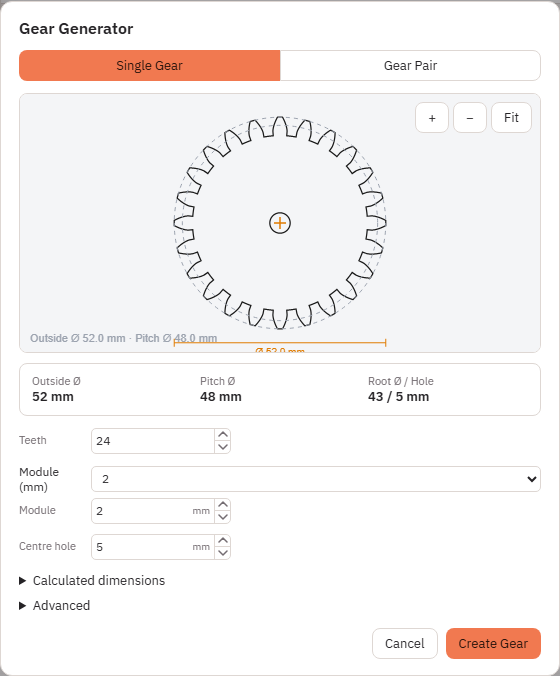
Generate a Single Gear or a Gear Pair in Gear Generator, adjust the available parameters, and continue editing the resulting vector geometry.
Learn how to create gearsYes. The editor runs in the browser with no account and no install. Optional Ko-fi support and advertising help keep the tool and the written guides available.
No. You export SVG, DXF or a raster file, then assign cut, engrave and power in LightBurn, RDWorks, LaserGRBL or the software that drives your machine. You remain responsible for units, material and safety.
Trace Image builds vector cut or mark paths from a drawing or photo. Image to Laser dithers greys into black-and-white dots (Floyd–Steinberg) so a laser can scan a photo-like burn. Use vectors for knife outlines; use Image to Laser for photo engraving.
DXF from Kav2D is stroke geometry only. Image to Laser rasters are omitted from DXF. Export SVG or PNG for the engraving, and keep DXF for cut outlines you drew as vectors.
The current project autosaves in this browser’s local storage. Download a Kav2D project file if you want a copy you can move to another computer. There is no Kav2D cloud account.
Kav2D is built by Erez D., an educator and maker. The editor, guides and legal pages are updated together when tools change. The What’s new page lists the latest documented work.
The guides are written against the live menus. Open the editor in another tab if you want to follow along. See What’s new for the latest documented changes.
Tour the editor, draw a shape, transform it, and export SVG or DXF.
8 min readConvert a drawing or photo into cut, mark or engrave vectors. Centreline or outline, then insert on the sheet.
10 min readDither a photo to black-and-white pixels for raster engraving. Crop with Intersect. Export SVG or PNG — not DXF.
11 min readBuild a finger-joint box from size, thickness, kerf and fit. Choose an open top, a fixed top, inner-strip lid or a finger-jointed cap lid, then insert cut panels.
12 min readPack parts on a sheet or leftover offcut. Overflow opens a new sheet; empty sheets can be removed.
10 min readStart a drawing in the browser, or read how files should look before they reach the cutter.